
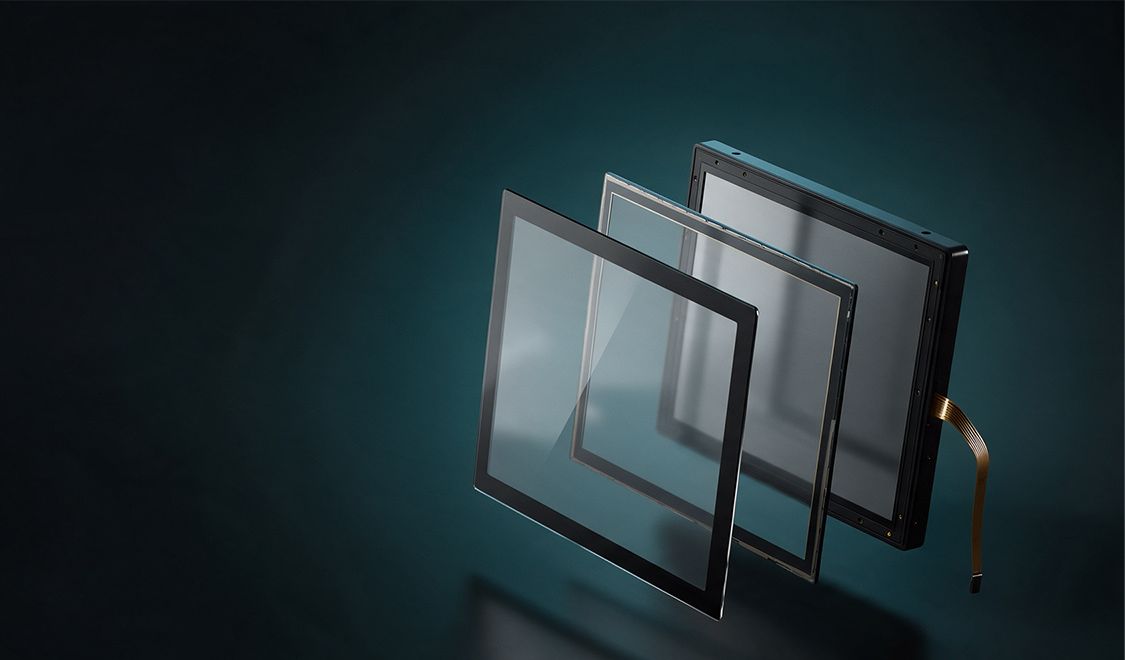
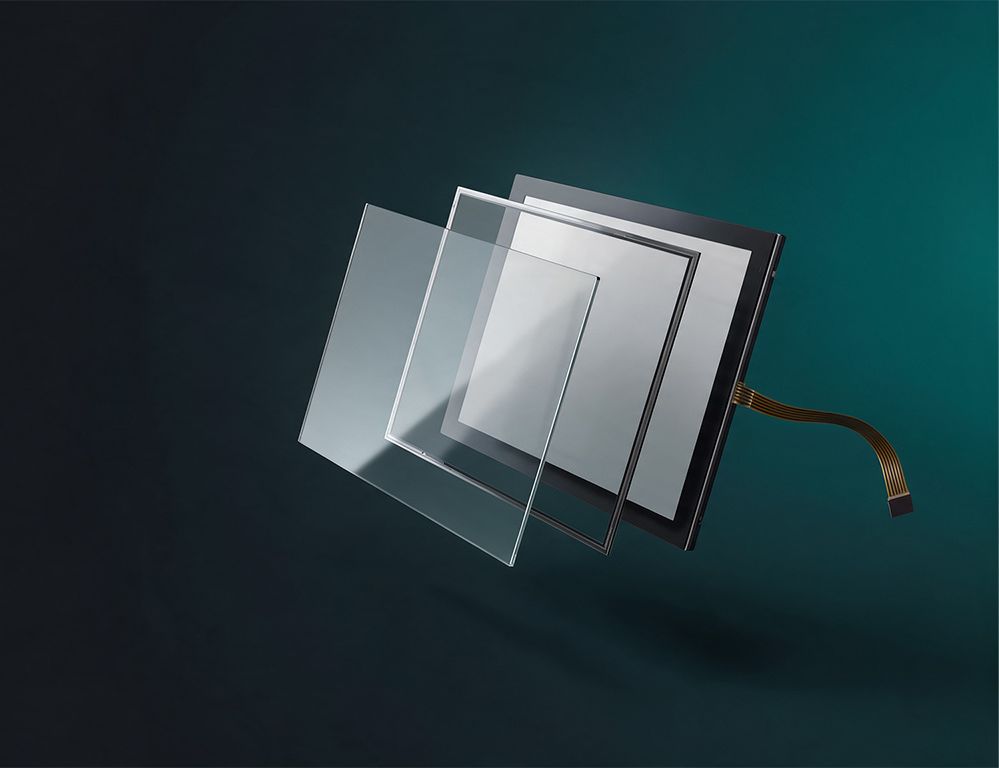
In machines, industrial systems and outdoor devices, touch operation must remain reliable even in the presence of dirt, moisture and electromagnetic interference. The most suitable touch technology depends on the operating environment. We offer capacitive and resistive touch sensors that can be combined with a cover lens and bonded to a display to create a ready-to-install unit. The shape, colour and logo printing can be customised to match your corporate design.
What matters when making your choice
These questions help with an initial assessment:
- Will the device be operated with gloves, a stylus or a bare finger?
- Is the device exposed to moisture, dirt or outdoor weather conditions?
- Are there strong sources of electromagnetic interference nearby?
- Is a surface treatment required for the cover lens?
Such as anti-glare (AG), anti-reflective (AR), or anti-fingerprint (AF) coating
Capacitive touch
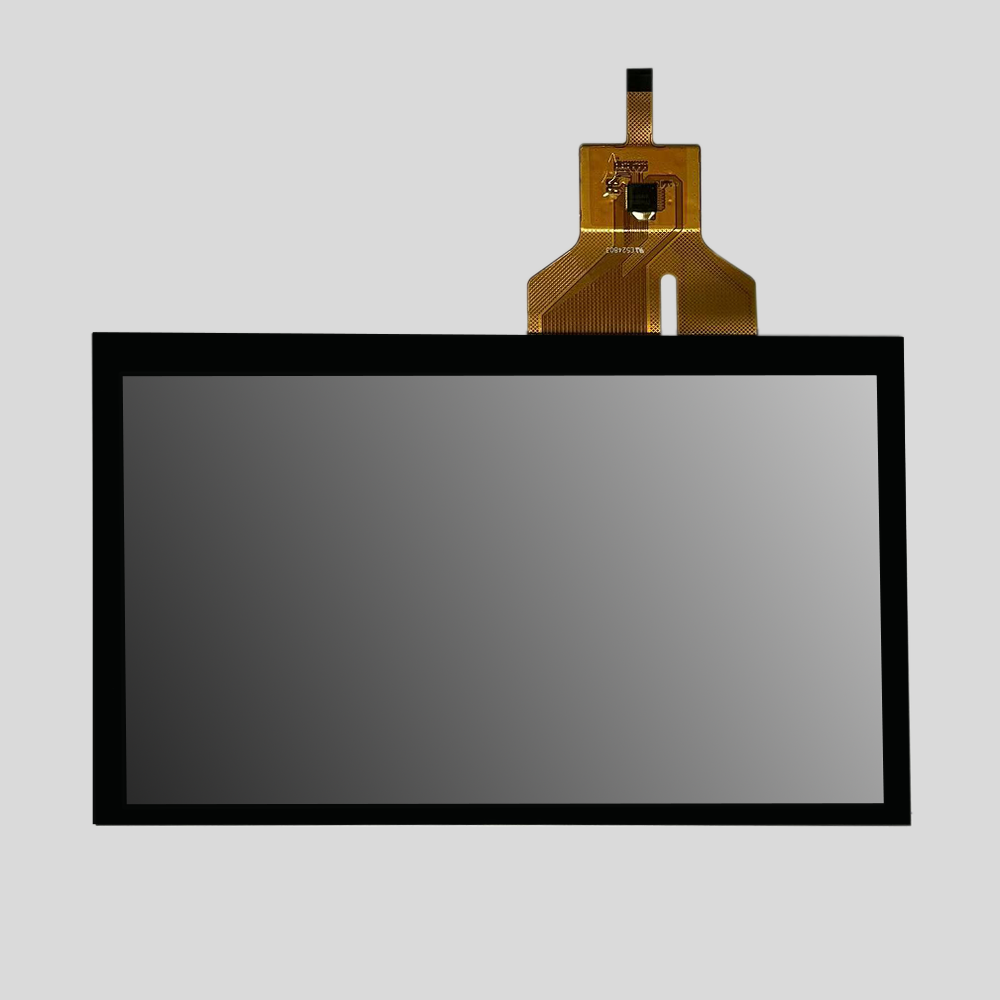
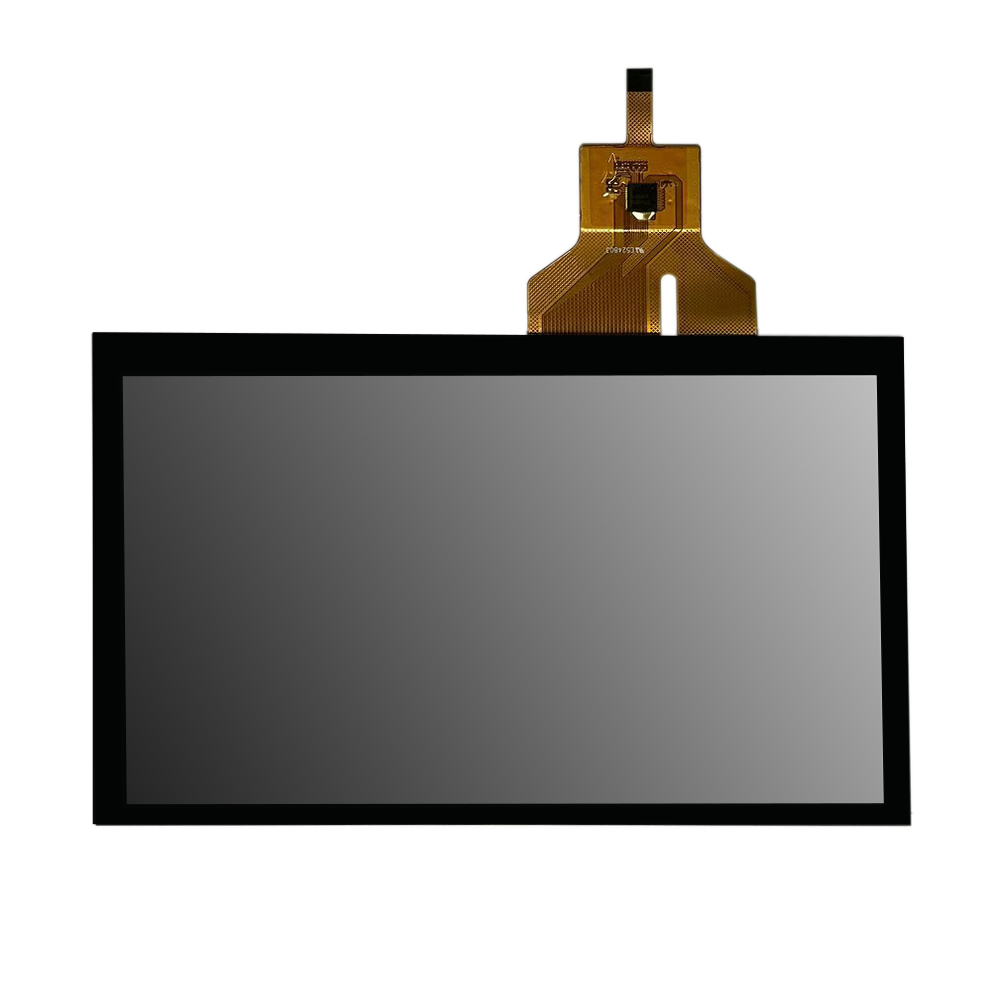
Capacitive touch sensors respond to light touches without requiring noticeable pressure. They detect changes in an electric field at the surface to determine the touch position. They also support multi-touch operation, enabling precise input at multiple points simultaneously.
Capacitive touch sensors can be positioned behind scratch-resistant cover glass, making them particularly suitable for outdoor devices and applications with high aesthetic requirements.
These sensors are generally customised to meet specific requirements, as the sensor and cover lens form an integrated unit. Additional capacitive buttons can also be incorporated as required.
Resistive touch
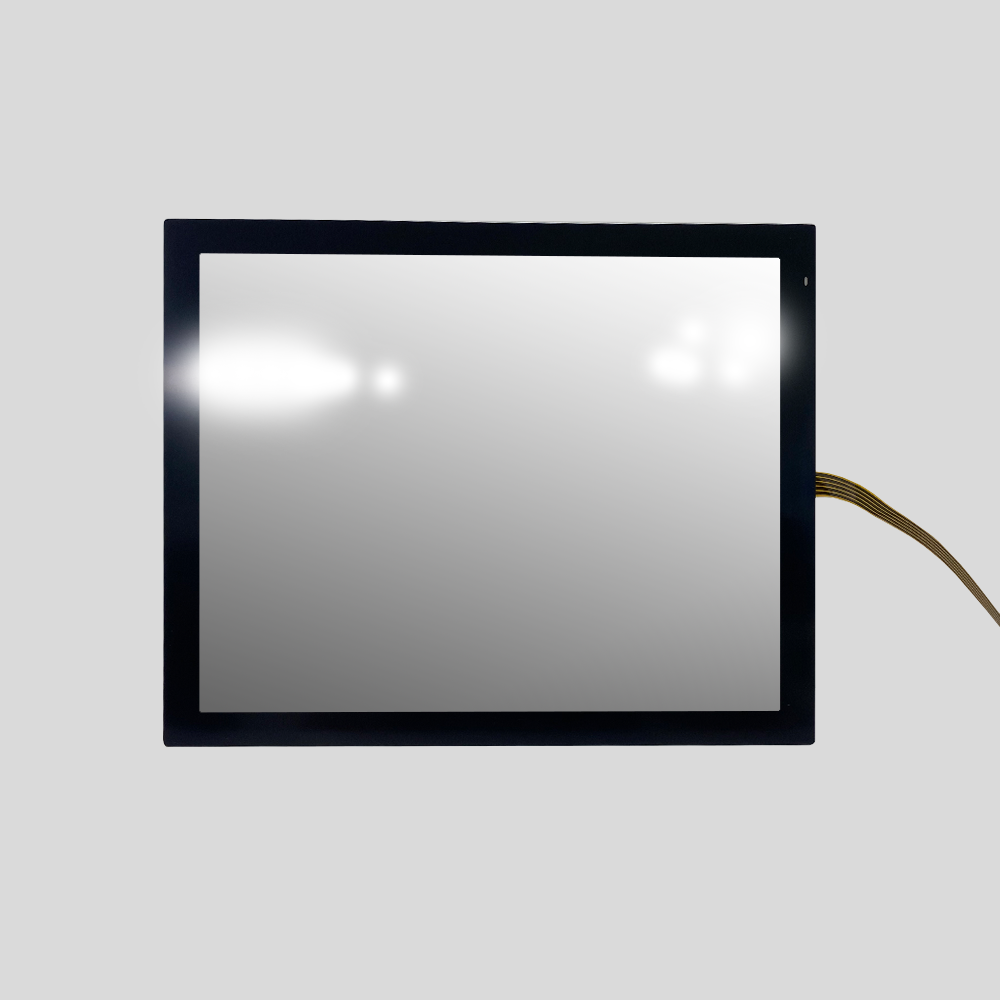
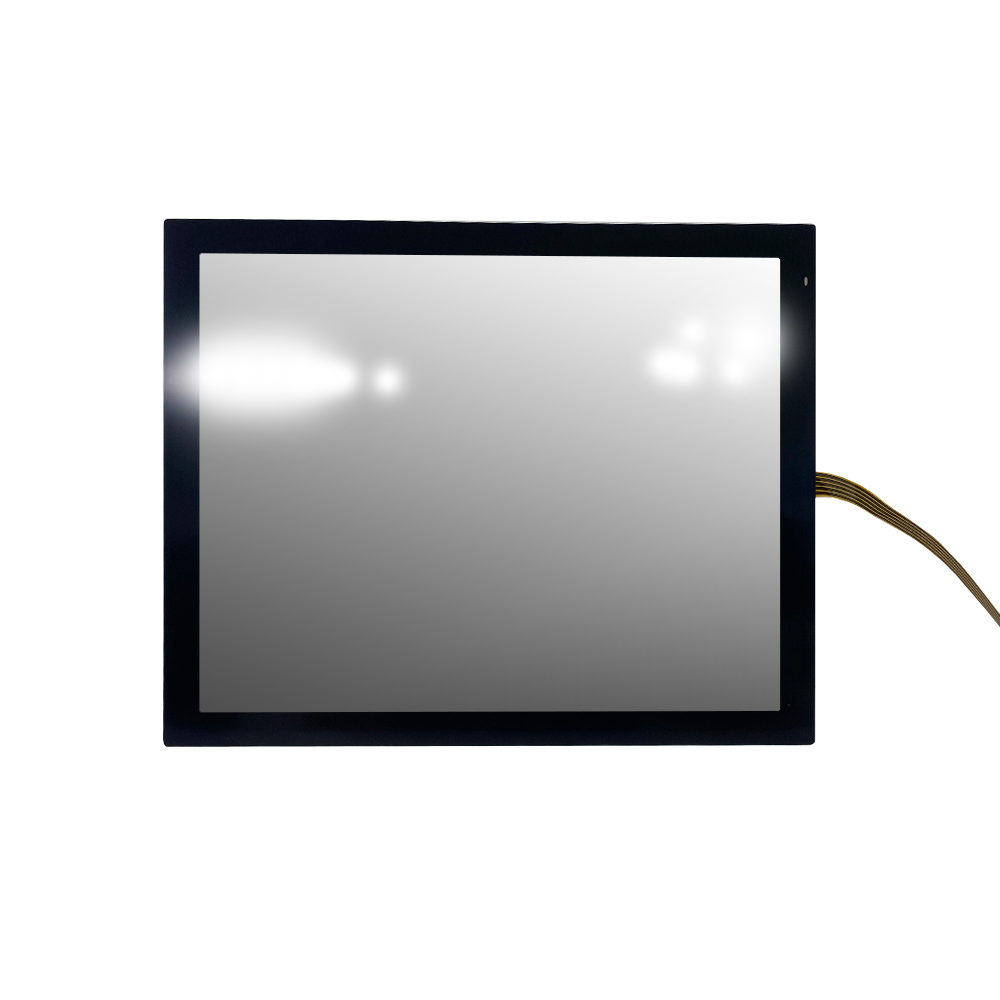
A resistive touch sensor responds to pressure and can be operated with a finger, a stylus or a gloved hand. It consists of two conductive layers that make contact at the point of pressure. The position is determined from the electrical resistance and passed on to the system.
Resistive touch sensors are less sensitive to electromagnetic interference (EMI). For this reason, they are frequently used in environments with elevated levels of interference.

Cover lens
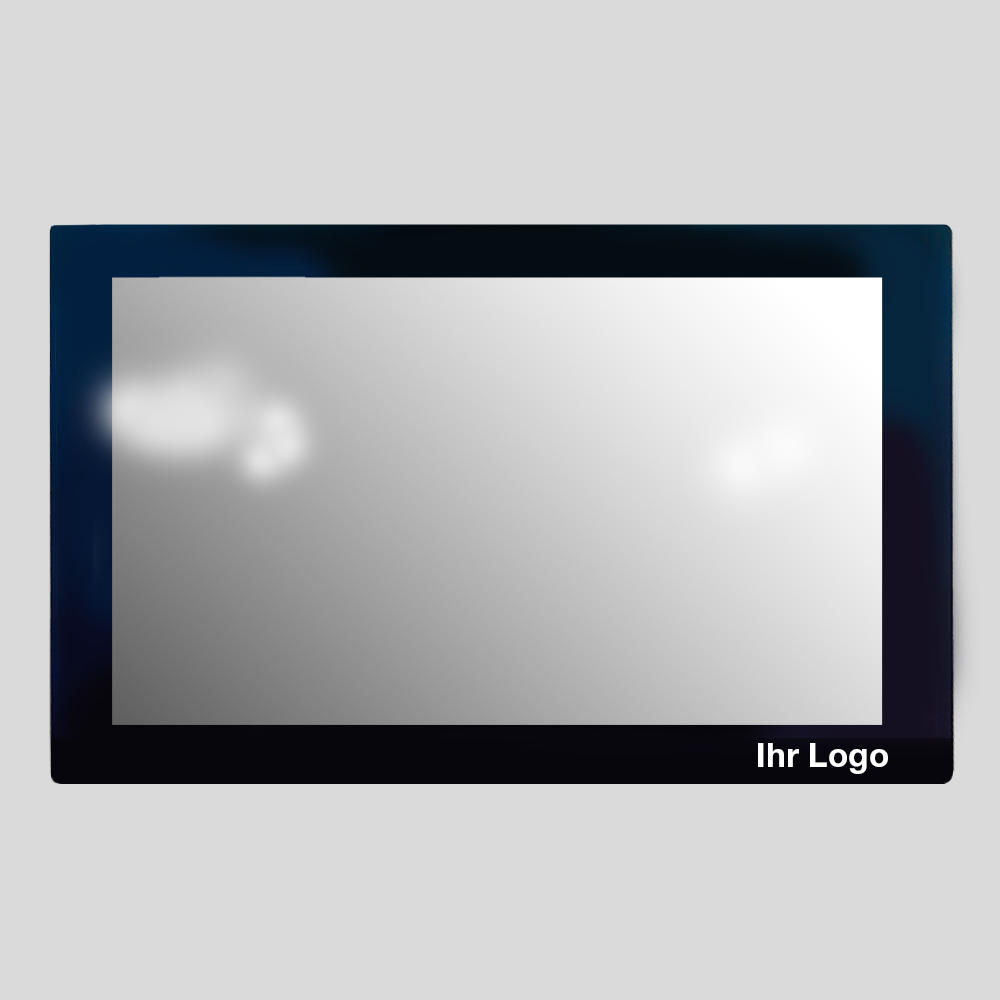
The cover lens, also known as the cover or front glass, protects the display from environmental influences and is a design element at the same time.
The following can be specified individually:
- Size and thickness of the glass
- Hardness and scratch resistance
- Edge shape (rounded or beveled)
- Shape, coating and color
- Logo printing and a privacy border around the display

Bonding
Bonding is the process of joining the touch sensor, cover lens and display into a single unit using adhesive technology. Two main methods are available:
Air-gap bonding: The display is attached to the touch sensor using double-sided adhesive tape around the perimeter, leaving an air gap between the components. This cost-effective method is particularly suitable for clean indoor environments.
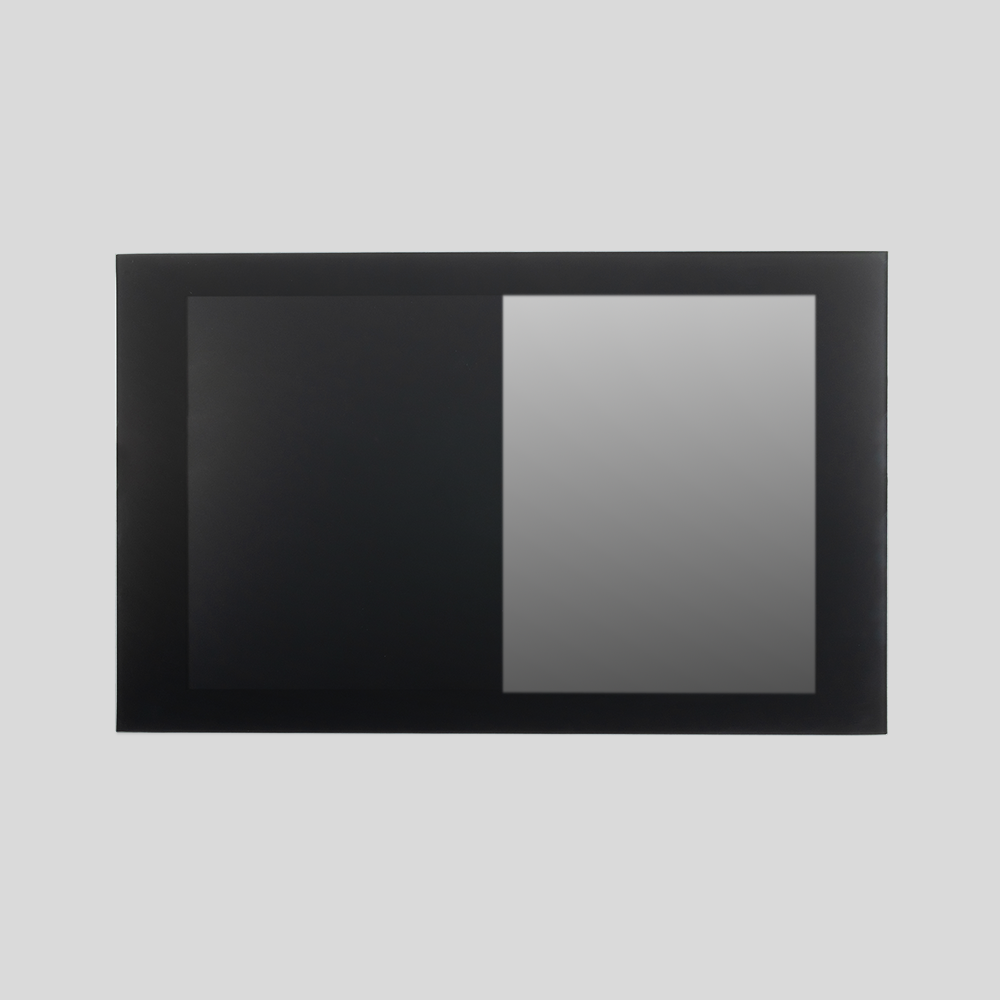
Optical bonding: The display and touch sensor are bonded across their entire surface using an optically clear adhesive. This eliminates the air gap, reduces reflections and helps prevent dust and dirt from entering between the components. Optical bonding also improves overall stability and creates a more uniform appearance, including the characteristic all-black effect.
FAQ

Helpful details are:
- display size
- operating environment (indoor, outdoor, dirt, moisture)
- preferred operation (finger, stylus, glove)
- quantity and design requirements such as shape, color and logo
An initial conversation is also possible without a complete specification.
Your requirements, our expertise

Do you have an initial idea or a specific requirement? Our sales engineers will support you with selection and design.